

calink Service & Support
Solve problems, explore expert tips and guides, and get better support.
Explore help topics
Getting Started
From delivery to first-roast preparation.
Hardware & Parts
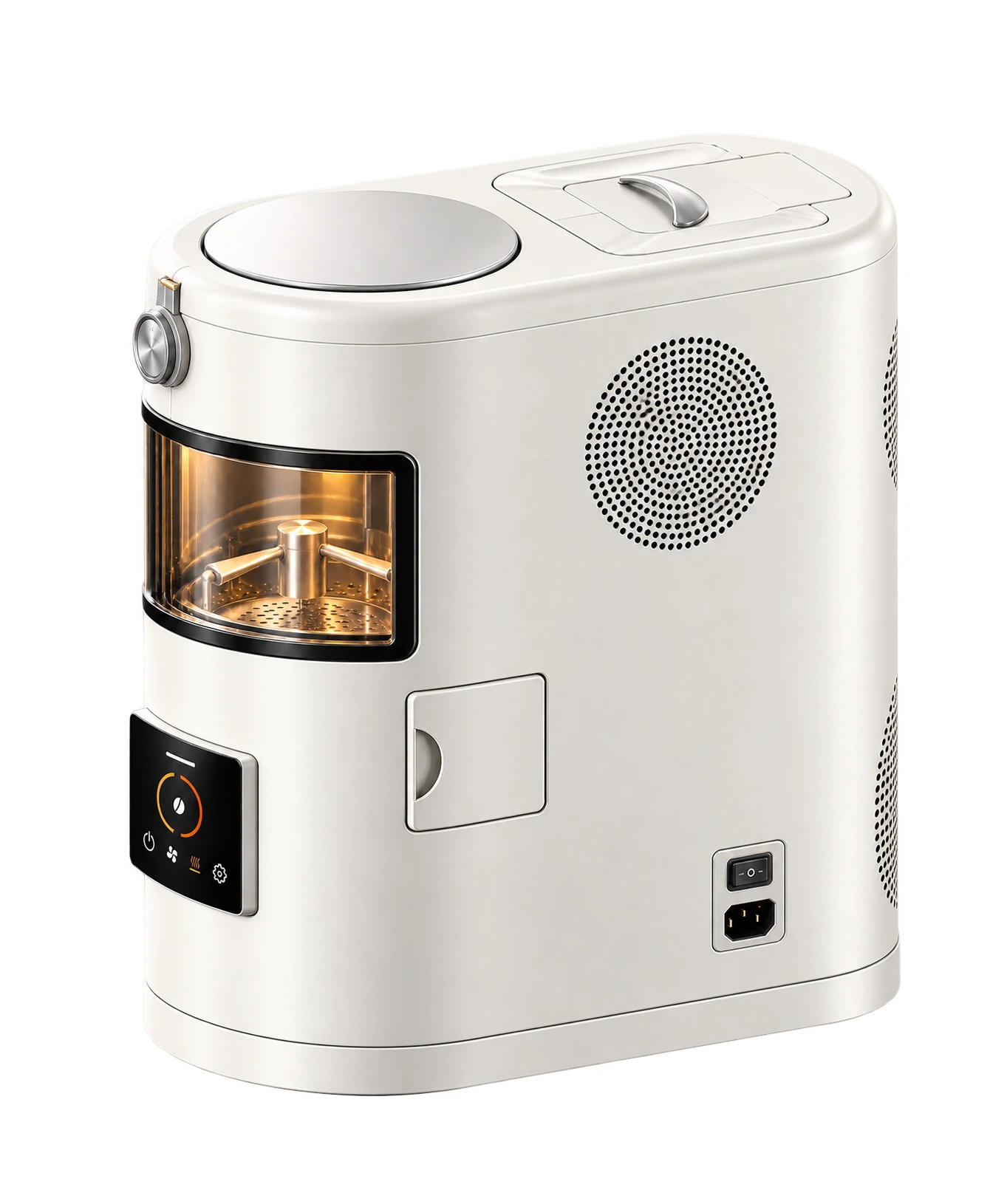
Get to know the parts of your Roast Pod.
App & Connectivity
Check official software availability.
Roasting & Profiles
Understand modes, loads and profiles.
Care & Maintenance
Everyday care and cleaning guidance.
Safety & Operation
Find the right instructions for your unit.
Troubleshooting
Recognize symptoms and find your next step.
Warranty & Repairs
Prepare a repair or after-sales enquiry.
Video Guides
Video tutorials are not available. Find the related written guidance below.
 VIDEO NOT AVAILABLE
Unboxing & Setup
Get acquainted with your Roast Pod.
View guide details VIDEO NOT AVAILABLE
Your First Roast
Preparation, modes and what to observe.
View guide detailsApp & Connectivity
Find official software information.
View guide details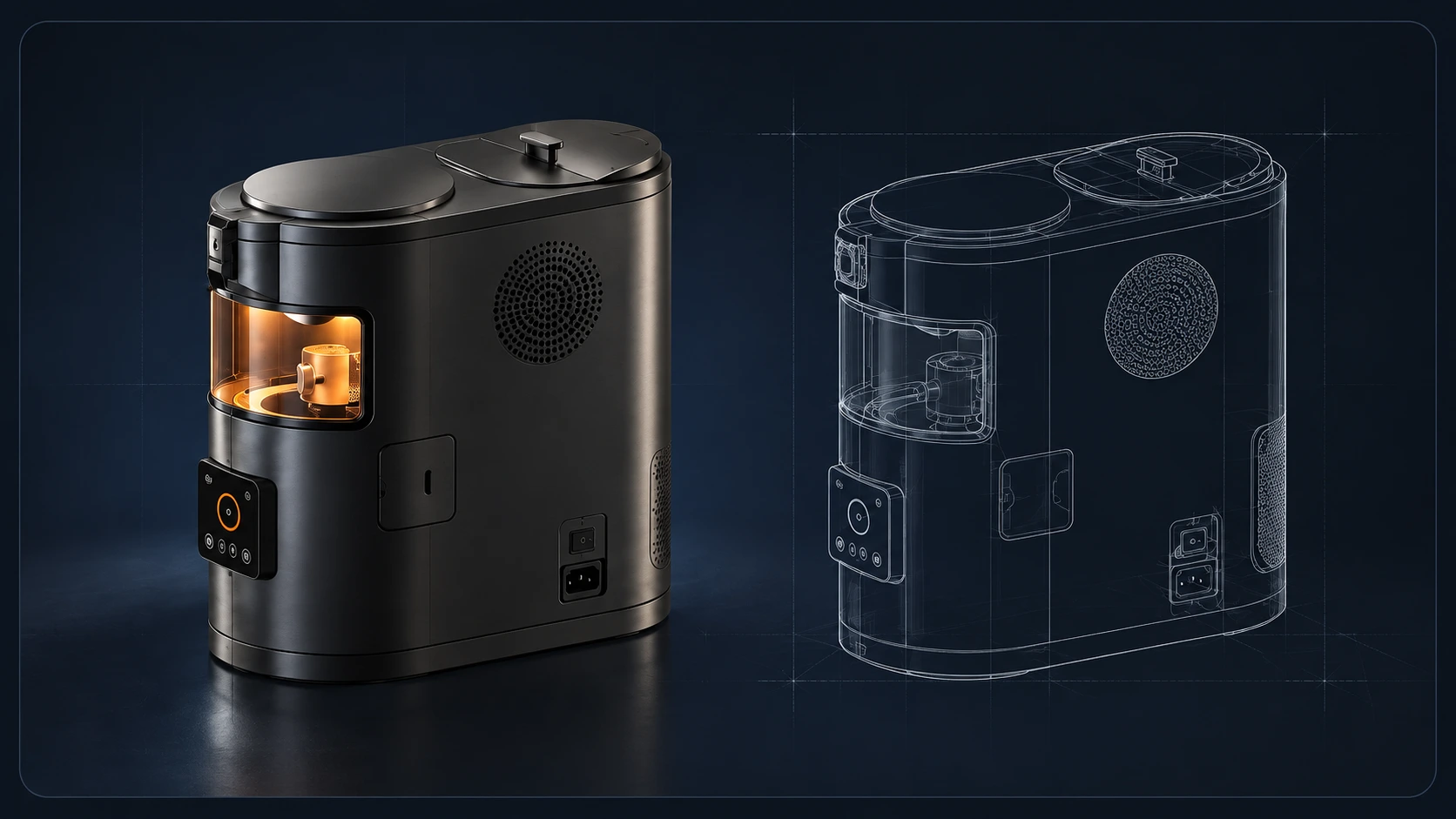 VIDEO NOT AVAILABLE
Cleaning & Filter Care
Everyday care and when to ask for help.
View guide detailsA GOOD PLACE TO START
A few helpful answers.
The essentials, without the searching.
Where can I find the user manual?
Read the available English web guides in Help Center. For the complete operating instructions for your unit, use the supplied documentation or ask calink. No PDF download is currently listed.
Find guides and resourcesHow do I get help with my Roast Pod?
Include your model, serial number, purchase channel and a short description of the issue.
Contact technical supportWhere can I find app and firmware updates?
Use Downloads for official resource availability. Do not install an app or firmware package unless calink confirms it is appropriate for your unit.
View software availabilityWhat warranty applies to my product?
Ask your seller or calink for the written terms applicable to your product, purchase channel and region.
Find after-sales informationHow much green coffee can I load?
Automatic mode permits a maximum of 200 g. Expert mode is described for 50–500 g. Always match the load to the selected mode.
Compare modes and loadsWhere should I start with maintenance?
Read the everyday care guide and obtain the part-specific instructions before removing or replacing components.
Read care guidanceNeed help? Contact calink.
Get assistance with your Roast Pod, orders, delivery, or after-sales service.
Live Chat
Check the current availability of live chat. Email support remains available.
Chat availability is checked when you open it.Submit a Request
Organize your question and the details calink needs to help.
Prepare a request Prepare an email · nothing is sent from this pagePrefer to write directly? wang@calink.link